Software alternatives
Best Magnific AI Alternatives in 2026
Magnific AI alternatives for photo enhancement, fidelity, no-subscription pricing, and creative upscaling.
By PicassoLabz
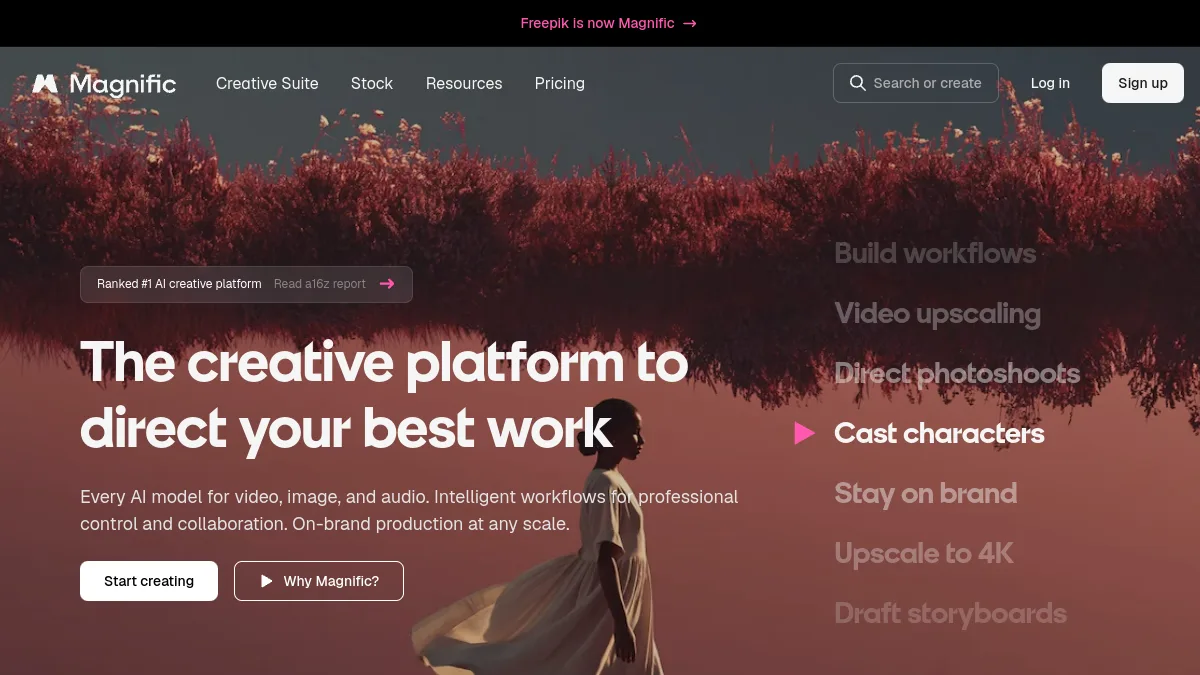
Magnific excels when imaginative texture is desired. For identity-critical photos, prefer output designed for controlled enhancement and review every inferred detail. Paid Magnific plans auto-renew.
Quick answer
- PicassoLabz — Best PAYG alternative for photo-focused enhancement
- Topaz Photo — Best local alternative for professional controls
Features compared
| Feature | PicassoLabz | Magnific AI | Topaz Photo |
|---|---|---|---|
| Photo enhancement/restoration | Yes | Generative-led | Yes |
| Creative detail generation | No | Yes | Limited |
| Local processing | No | No | Yes |
| RAW and plug-ins | No | No | Yes |
| API/integration path | No | Yes | Pro/API |
Pricing compared
| Product | Free access | Starting price | Renewal model |
|---|---|---|---|
| PicassoLabz | One enhancement | $0.05/use | None; credits never expire |
| Magnific AI | Limited free access | $14.50/month annually | Subscription |
| Topaz Photo | Trial if available | $199/year | Annual/monthly subscription |
1. PicassoLabz — Best Magnific alternative for faithful photo cleanup
- Best for: original-photo enhancement.
- Verdict: choose when likeness and a clear job price matter more than creative re-imagining.
- Ideal customer: families, photographers, sellers, creators.
- Core differentiator: focused modern AI workflow at $0.05/use, with no renewal.
- Key features: enhance, denoise, upscale, restore.
- Pros: non-expiring credits; no install; free first result.
- Limitations: $10 top-up; fewer creative controls/integrations.
- Free plan: one enhancement.
- Starting price: $0.05/use.
- Enterprise price: not listed.
- Platforms: web.
- Integrations: not listed.
- Security: private European storage up to seven days; Replicate (privacy).
- G2 rating/count: not listed.
- Capterra rating/count: not listed.
- Testing notes: check face identity, text/brand marks and texture at 100%.
2. Topaz Photo — Best Magnific alternative for local pro workflows
- Best for: desktop, local photo finishing.
- Verdict: best for photographers who need masks/RAW/models and accept recurring cost/hardware setup.
- Ideal customer: professional photographers and retouchers.
- Core differentiator: local AI models and plugin workflow.
- Key features: denoise, sharpen, faces, upscale, lighting, masks, RAW/batch.
- Pros: granular controls; local files; pro plugins.
- Limitations: subscription; hardware/download overhead.
- Free plan: no permanent plan listed.
- Starting price: $199/year (plans).
- Enterprise price: Pro $599/year; custom enterprise.
- Platforms: macOS/Windows.
- Integrations: Photoshop, Lightroom Classic, Capture One, Apple Photos, Affinity.
- Security: local rendering; certification not verified.
- G2 rating/count: 4.3/5, 2 (G2).
- Capterra rating/count: not verified.
- Testing notes: test own RAW/batches; community feedback spans strong models and subscription criticism (thread).
Choice
Choose PicassoLabz for focused photo enhancement with no subscription; Topaz for local control. Keep Magnific when generative creativity—not strict source fidelity—is desired.