Software alternatives
Best Topaz Photo Alternatives in 2026
Topaz Photo alternatives for browser enhancement, pricing clarity, and batch processing.
By PicassoLabz
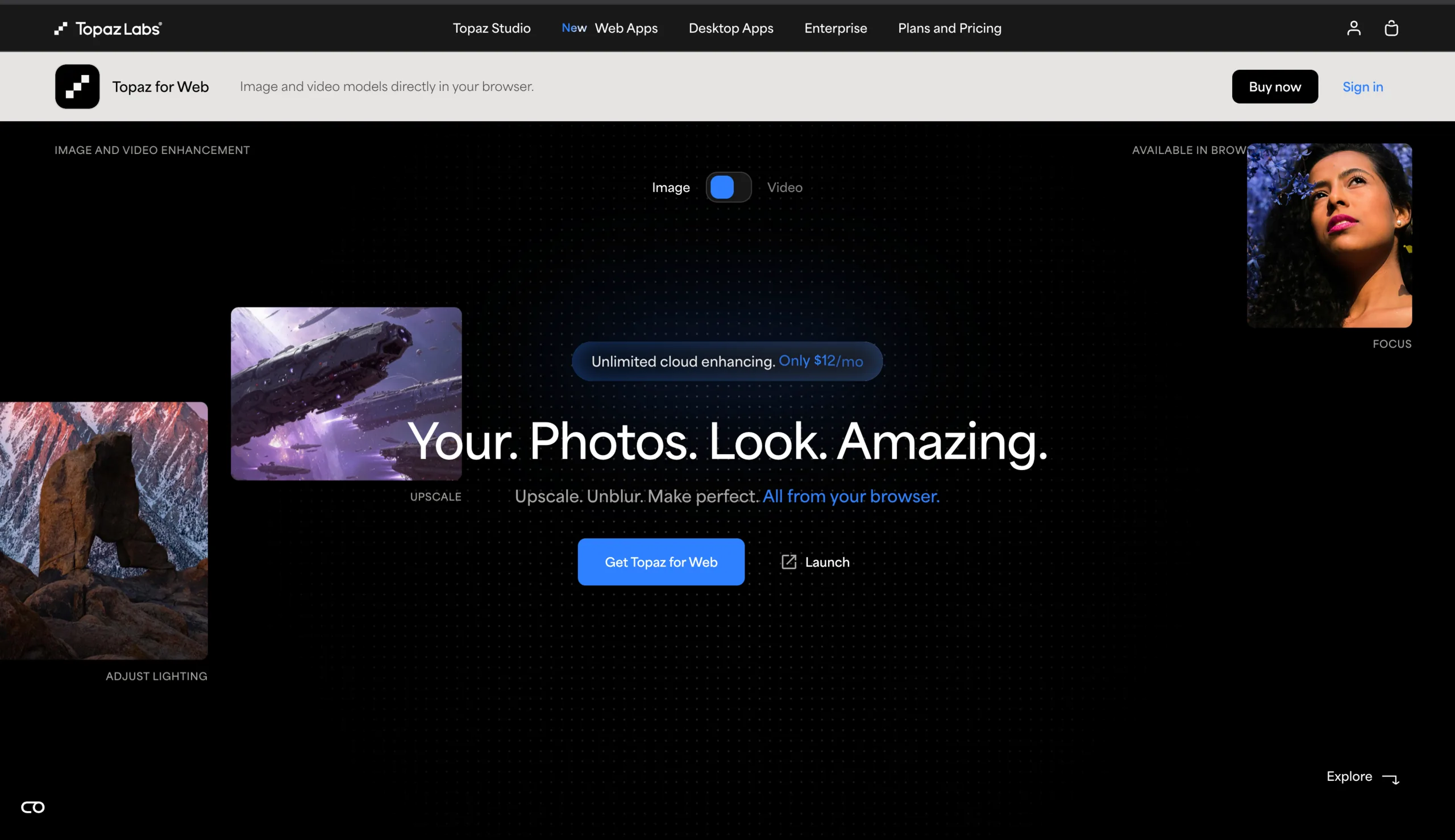
Topaz Photo excels at local, high-control desktop finishing. Alternatives make sense when an annual plan, model downloads, and powerful hardware do not match job volume.
Quick answer
- PicassoLabz — Best no-subscription browser alternative
- VanceAI — Best Windows batch alternative
Features compared
| Feature | PicassoLabz | Topaz Photo | VanceAI |
|---|---|---|---|
| Browser workflow | Yes | Optional cloud | Yes |
| Local processing | No | macOS/Windows | Windows |
| RAW and plug-ins | No | Yes | No |
| Restore, denoise, upscale | Yes | Yes | Yes |
| API/batch option | No | Pro/API | Yes |
Pricing compared
| Product | Free access | Starting price | Renewal model |
|---|---|---|---|
| PicassoLabz | One enhancement | $0.05/use | None; credits never expire |
| Topaz Photo | Trial if available | $199/year | Annual/monthly subscription |
| VanceAI | 10 credits | $9/month | Subscription or PAYG |
1. PicassoLabz — Best Topaz Photo alternative for occasional work
- Best for: browser enhancement without subscription.
- Verdict: better when you need a few quality jobs, not deep local retouch controls.
- Ideal customer: families, intermittent creators, sellers, photographers.
- Core differentiator: $0.05/use, credits do not expire, no auto-renewal.
- Key features: enhancement, denoise, upscale, restoration.
- Pros: no install/hardware tuning; visible cost; free first result.
- Limitations: $10 minimum top-up; cloud-only; no RAW/plug-in/API/team controls.
- Free plan: one free enhancement.
- Starting price: $0.05/use.
- Enterprise price: not listed.
- Platforms: web.
- Integrations: not listed.
- Security: European private storage, up to seven days; Replicate jobs (privacy).
- G2 rating/count: not listed.
- Capterra rating/count: not listed.
- Testing notes: compare source/result at 100%, especially faces/text.
2. VanceAI — Best Topaz Photo alternative for Windows batches
- Best for: Windows batch processing.
- Verdict: broad web/desktop toolkit, with more variable credits and lower local-control depth than Topaz.
- Ideal customer: Windows users and marketplace operators.
- Core differentiator: web credits plus unlimited local Windows desktop plans.
- Key features: 2×/4×/8× upscale, sharpen, denoise, background removal, restore, colorize, video, API.
- Pros: 10 free credits; broad tools; local Windows option.
- Limitations: Windows-only desktop; differing credit costs; subscription credits depend on active plan; PAYG credits expire after year.
- Free plan: 10 credits.
- Starting price: $9/month/200 web credits; desktop $39.90/mo, $99.90/yr, $129.90 lifetime (pricing).
- Enterprise price: custom API/integration.
- Platforms: web/Windows.
- Integrations: REST API.
- Security: desktop files stay local; Stripe payments.
- G2 rating/count: 4.5/5, 2 Image Enhancer reviews (G2).
- Capterra rating/count: not verified.
- Testing notes: test batch speed, text, logos, faces; community feedback on fine-detail realism is mixed (thread).
Choice
Choose PicassoLabz for no-commitment browser jobs; VanceAI for Windows batches. Keep Topaz when local RAW workflow and granular controls outweigh subscription cost.