Software alternatives
Best PhotoRoom Alternatives in 2026
PhotoRoom alternatives for one-off enhancement, product images, pricing, and workflow.
By PicassoLabz
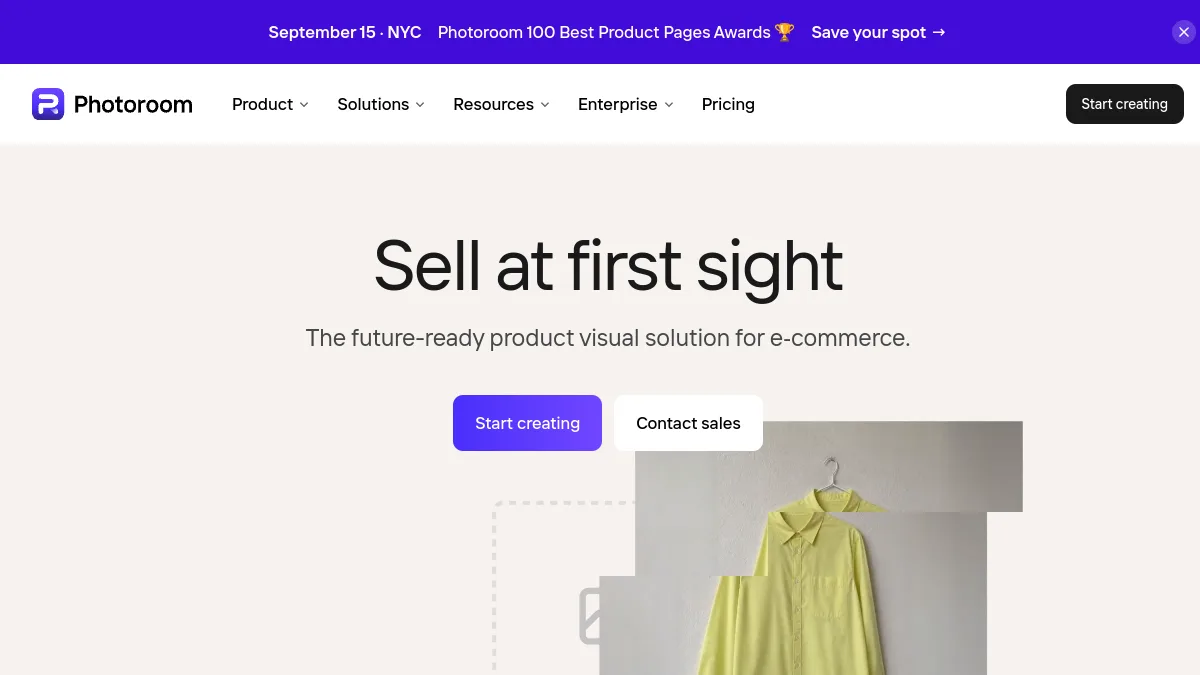
PhotoRoom is strongest for e-commerce product-image operations: cutouts, templates, catalog work, batch production, Shopify/API paths. Alternatives fit one-off restoration/enhancement or multi-tool experimentation. Its public pricing page did not expose current dollar prices in this research view, so verify inside account/region.
Quick answer
- PicassoLabz — Best transparent alternative for occasional photo enhancement
- Hotpot AI — Best free multi-tool browser alternative
Features compared
| Feature | PicassoLabz | PhotoRoom | Hotpot AI |
|---|---|---|---|
| Enhancement/restoration | Yes | Yes | Yes |
| Product backgrounds/templates | No | Yes | Yes |
| Catalog/batch workflow | No | Yes | Limited |
| Shopify/API | No | Yes | API |
| Free commercial use | One result | No | No |
Pricing compared
| Product | Free access | Starting price | Renewal model |
|---|---|---|---|
| PicassoLabz | One enhancement | $0.05/use | None; credits never expire |
| PhotoRoom | Yes, limited/non-commercial | Verify in region/account | Subscription |
| Hotpot AI | Yes, non-commercial | $0.02–$0.25/image | Varies by volume/plan |
1. PicassoLabz — Best PhotoRoom alternative for one-off enhancement
- Best for: enhancement, denoise, upscale, and restore without a monthly export quota.
- Verdict: better for occasional photo cleanup; not a replacement for PhotoRoom’s product-catalog workflow.
- Ideal customer: families, photographers, individual sellers, creators.
- Core differentiator: transparent $0.05/tool-use PAYG credits, no subscription, credits never expire.
- Key features: enhance, denoise, upscale, old-photo restore.
- Pros: no install; visible cost; first result free.
- Limitations: $10 minimum top-up; no public Shopify/API, templates, batch/catalog tools, or enterprise SLA.
- Free plan: one enhancement.
- Starting price: $0.05/use.
- Enterprise price: not listed.
- Platforms: web.
- Integrations: not listed.
- Security: private European storage up to seven days; Replicate jobs (privacy).
- G2 rating/count: not listed.
- Capterra rating/count: not listed.
- Testing notes: inspect product edges, labels/text, shadows, and colors before publishing listings.
2. Hotpot AI — Best PhotoRoom alternative for free exploration
- Best for: trying restoration, background, and design tools before committing.
- Verdict: broad and inexpensive, but free outputs are non-commercial and it lacks PhotoRoom’s focused commerce production environment.
- Ideal customer: hobbyists and low-volume creators.
- Core differentiator: many browser AI tools plus API/self-host options.
- Key features: restore, colorize, face enhance, upscale, background/object removal, generation.
- Pros: free no-account exploration; flexible toolset.
- Limitations: CC BY-NC free license; pricing varies; output may need review.
- Free plan: yes, non-commercial.
- Starting price: $0.02–$0.25/image depending on volume/settings (pricing).
- Enterprise price: high-volume/API by contact.
- Platforms: web.
- Integrations: API/self-host.
- Security: says images remain only as long as needed for ML; check latest policy.
- G2 rating/count: not verified.
- Capterra rating/count: not verified.
- Testing notes: restoration/color prediction can look artificial; inspect product colors and logos. Official color note · community discussion.
Choice
Choose PicassoLabz for focused per-job enhancement; Hotpot for low-commitment tool exploration. Keep PhotoRoom for commerce templates, catalog/batch work, Shopify/API integrations, and enterprise controls.