Software alternatives
Best MyHeritage Photo Enhancer Alternatives in 2026
MyHeritage Photo Enhancer alternatives for restoration, no-subscription pricing, and genealogy work.
By PicassoLabz
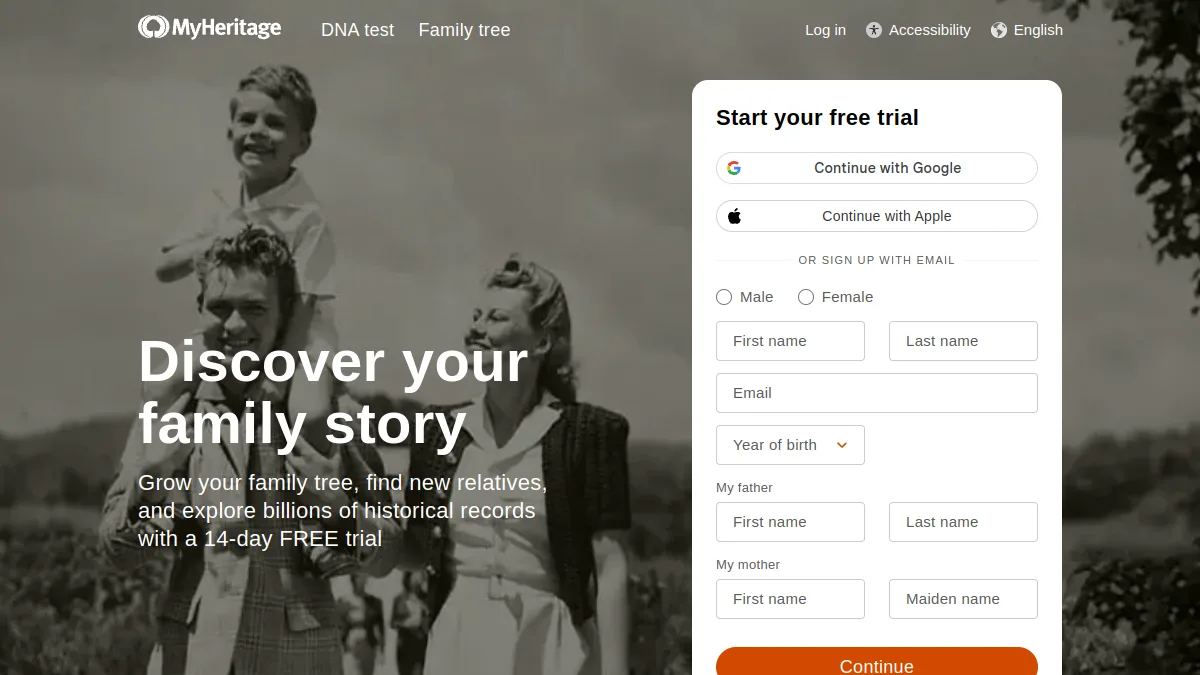
MyHeritage is valuable inside its genealogy ecosystem. Its documentation says enhanced details are algorithmic simulations that may be inaccurate or distorted. Switch when standalone restoration or transparent on-demand pricing is main need.
Quick answer
- PicassoLabz — Best transparent browser alternative
- RecolorLife — Best dedicated old-photo repair/colorization alternative
Features compared
| Feature | PicassoLabz | MyHeritage | RecolorLife |
|---|---|---|---|
| Enhancement and restoration | Yes | Yes | Yes |
| Genealogy archive | No | Yes | No |
| Colorization | No | Yes | Yes |
| Human-restoration option | No | No | Yes |
| Browser workflow | Yes | Yes | Yes |
Pricing compared
| Product | Free access | Starting price | Renewal model |
|---|---|---|---|
| PicassoLabz | One enhancement | $0.05/use | None; credits never expire |
| MyHeritage | Limited | Subscription required for unlimited | Subscription |
| RecolorLife | Not listed | From $0.57/photo | None; credits never expire |
1. PicassoLabz — Best no-subscription MyHeritage alternative
- Best for: occasional standalone restoration.
- Verdict: best fit for a few scans without buying a family-history subscription.
- Ideal customer: families, archivists, photographers, sellers.
- Core differentiator: $0.05/use, credits never expire, no auto-renewal.
- Key features: enhancement, restoration, denoise, upscale.
- Pros: no install; price shown upfront; one free result.
- Limitations: $10 top-up; no genealogy archive/tree; no API/SLA.
- Free plan: one free enhancement.
- Starting price: $0.05/use.
- Enterprise price: not listed.
- Platforms: web.
- Integrations: not listed.
- Security: private European storage up to seven days; Replicate jobs (privacy).
- G2 rating/count: not listed.
- Capterra rating/count: not listed.
- Testing notes: preserve original, inspect identity/handwriting/period detail.
2. RecolorLife — Best MyHeritage alternative for old-photo repair
- Best for: dedicated colorization/repair.
- Verdict: useful when no-subscription repair and colorization matter more than a broad platform.
- Ideal customer: archives with JPG/PNG/TIFF scans under 10MB.
- Core differentiator: pay-per-photo 2K/4K service plus human-restoration inquiry.
- Key features: colorization, scratch/stain/noise repair, facial reconstruction, 2K/4K.
- Pros: credits never expire; focused workflow.
- Limitations: narrow suite; 10MB limit; public API/review ratings not found.
- Free plan: not listed.
- Starting price: from $0.57/photo (official site).
- Enterprise price: not listed.
- Platforms: web.
- Integrations: not listed.
- Security: claims E2E encryption and deletion within 48h; verify terms.
- G2 rating/count: not listed.
- Capterra rating/count: not listed.
- Testing notes: exact-product Reddit discussion was not found; test color/face plausibility.
Choice
Choose PicassoLabz for transparent standalone cleanup; RecolorLife for specialist color/repair. Keep MyHeritage when family-history archive tools are required.