Software alternatives
Best Hotpot AI Alternatives in 2026
Hotpot AI alternatives for focused photo restoration, paid use, pricing, and output review.
By PicassoLabz
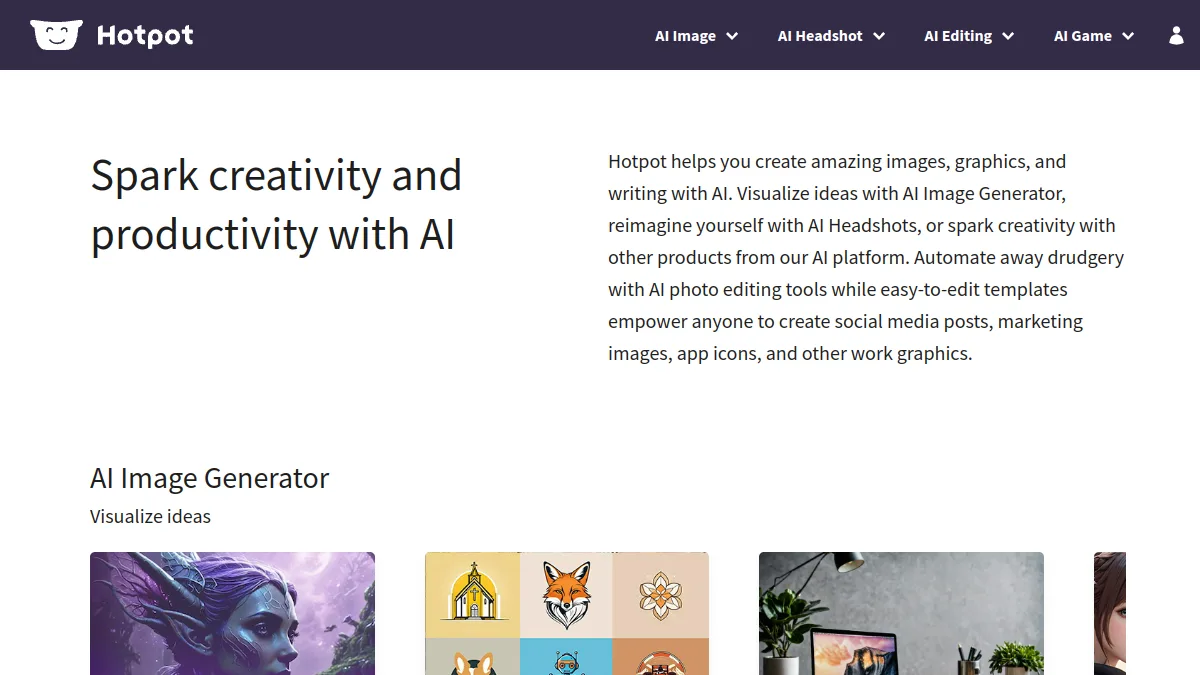
Hotpot has a broad low-cost tool suite. Switch when you want a focused restoration workflow, clearer paid-use path, or one price per normal enhancement job. Hotpot’s free results are CC BY-NC, so check licensing before commercial use.
Quick answer
- PicassoLabz — Best focused no-subscription enhancer
- RecolorLife — Best old-photo color/repair specialist
Features compared
| Feature | PicassoLabz | Hotpot AI | RecolorLife |
|---|---|---|---|
| Focused enhancement | Yes | Yes | Repair-focused |
| Free exploration | One result | Yes, non-commercial | Not listed |
| Colorization | No | Yes | Yes |
| API/self-hosted options | No | Yes | No |
| Human-restoration option | No | No | Yes |
Pricing compared
| Product | Free access | Starting price | Renewal model |
|---|---|---|---|
| PicassoLabz | One enhancement | $0.05/use | None; credits never expire |
| Hotpot AI | Yes, non-commercial | $0.02–$0.25/image | Varies by volume/plan |
| RecolorLife | Not listed | From $0.57/photo | None; credits never expire |
1. PicassoLabz — Best Hotpot AI alternative for paid photo enhancement
- Best for: focused browser enhancement/restoration.
- Verdict: better when straightforward commercial-ready photo cleanup matters more than a sprawling tool catalog.
- Ideal customer: families, photographers, sellers, creators.
- Core differentiator: $0.05/tool use, non-expiring credits, no subscription.
- Key features: enhance, denoise, upscale, restore.
- Pros: no install; visible cost; first result free.
- Limitations: $10 top-up; no generator/API/desktop app.
- Free plan: one enhancement.
- Starting price: $0.05/use.
- Enterprise price: not listed.
- Platforms: web.
- Integrations: not listed.
- Security: European private storage up to seven days; Replicate processing (privacy).
- G2 rating/count: not listed.
- Capterra rating/count: not listed.
- Testing notes: inspect output at 100%, especially faces/text.
2. RecolorLife — Best Hotpot AI alternative for historic-photo repair
- Best for: colorization and repair of scans.
- Verdict: narrower but more directly aligned with historic repair than a general AI suite.
- Ideal customer: archivists with JPG/PNG/TIFF scans under 10MB.
- Core differentiator: pay-per-photo 2K/4K restoration plus human service.
- Key features: color, scratch/stain/noise repair, facial reconstruction.
- Pros: no subscription; credits do not expire.
- Limitations: small upload limit; no public API/ratings.
- Free plan: not listed.
- Starting price: from $0.57/photo (site).
- Enterprise price: not listed.
- Platforms: web.
- Integrations: not listed.
- Security: claims E2E encryption/deletion within 48h; verify terms.
- G2 rating/count: not listed.
- Capterra rating/count: not listed.
- Testing notes: no meaningful exact-product Reddit scan result; color is inference, not recovery.
Choice
Choose PicassoLabz for simple paid enhancement; RecolorLife for specialist old-photo repair. Keep Hotpot when free/non-commercial experimentation or its wider suite is priority.